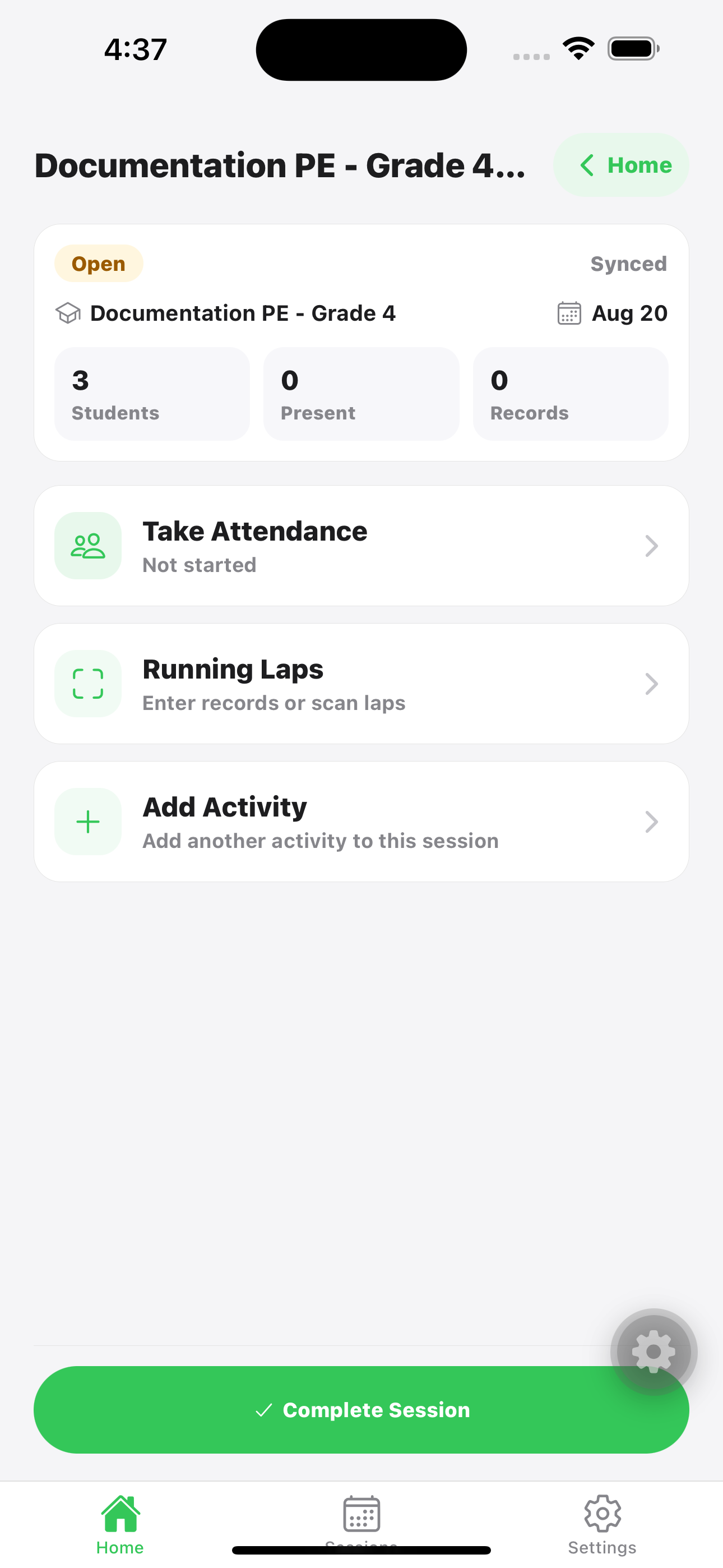
Use the web app to prepare classes, students, activities, and QR cards. Use the mobile app during PE class to open a session, take attendance, record activity results, scan QR laps, and complete the session.
Best for
Teachers running PE from a phone or tablet during class.
Before class
Create the session and add activities while online.
During class
Attendance and records can be saved offline after the session is loaded.
Expected result: saved attendance and activity records appear in session detail and reports.
Record activity results
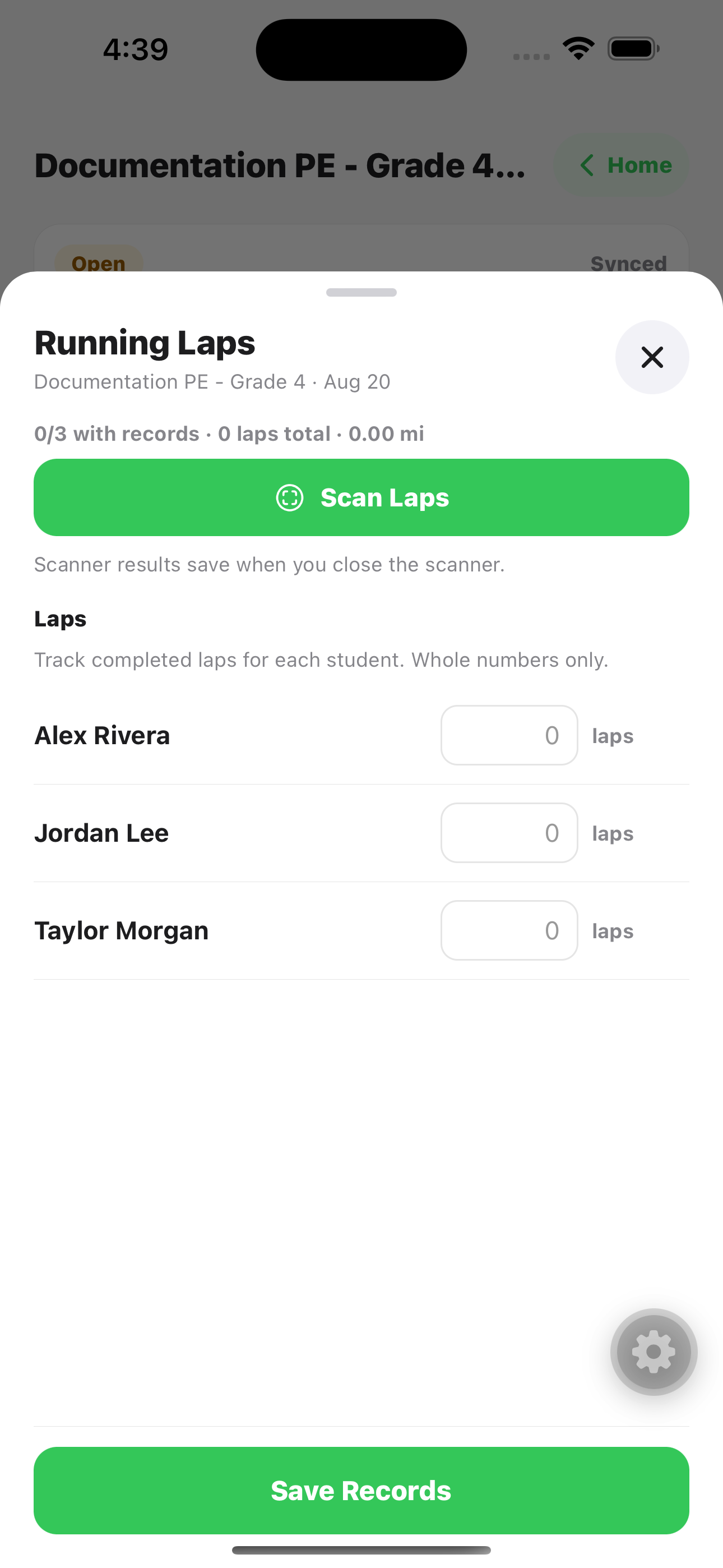
Open the activity card, then scan student QR cards or type values. Accepted scanner results save when the scanner closes; typed corrections should be saved with Save Records before leaving the sheet.
ACTIVITY RECORDS Open an activity, scan QR cards, or type values. Use Save Records for manual edits.
Select activityScan laps or repsCorrect valuesSave manual edits
Important: manual edits stay unsaved until Save Records is tapped. QR lap/count scans are saved when the scanner closes.
Web option: teachers can still enter or correct records from the web session page, but web does not provide mobile QR scanning.
Use QR cards for lap days
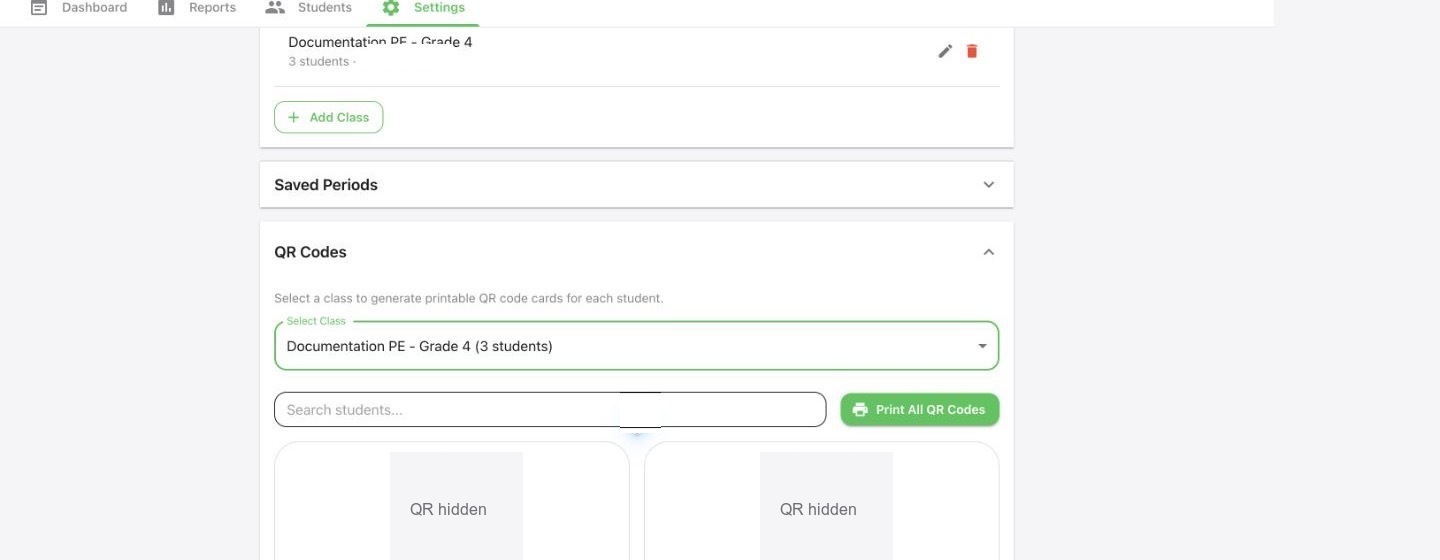
Prepare and print student QR cards from the web app. During class, open the Running Laps activity card, then use mobile scanning for lap records or other scan-supported activities.
QR PREP Print QR cards before class; QR values are hidden in the public guide.
1Select class2Print QR cards
Print QR cardsOpen Running LapsTap Scan LapsClose scanner to save
Common mistake: manually correcting values after scanning but leaving before tapping Save Records.
Understand offline use
Create the session, open it on the device, and add activities while online. After that, attendance and activity records can be saved offline and synced later.
OFFLINE READY Open the session while online first, then use Attendance and activity cards during class.
1Open session2Attendance3Records
Works offline: taking attendance, entering saved-session records, scanning laps, completing or reopening an existing cached session.
Needs internet: creating sessions, adding activities, loading a session that was never opened on the device, and syncing pending changes.